> For the complete documentation index, see [llms.txt](https://menuviel.gitbook.io/menuviel-help-center/llms.txt). Markdown versions of documentation pages are available by appending `.md` to page URLs; this page is available as [Markdown](https://menuviel.gitbook.io/menuviel-help-center/how-to-translate-menu-items.md).
# how to translate menu items
Follow these steps to add menu item name and description translations for all previously added languages.
{% stepper %}
{% step %}
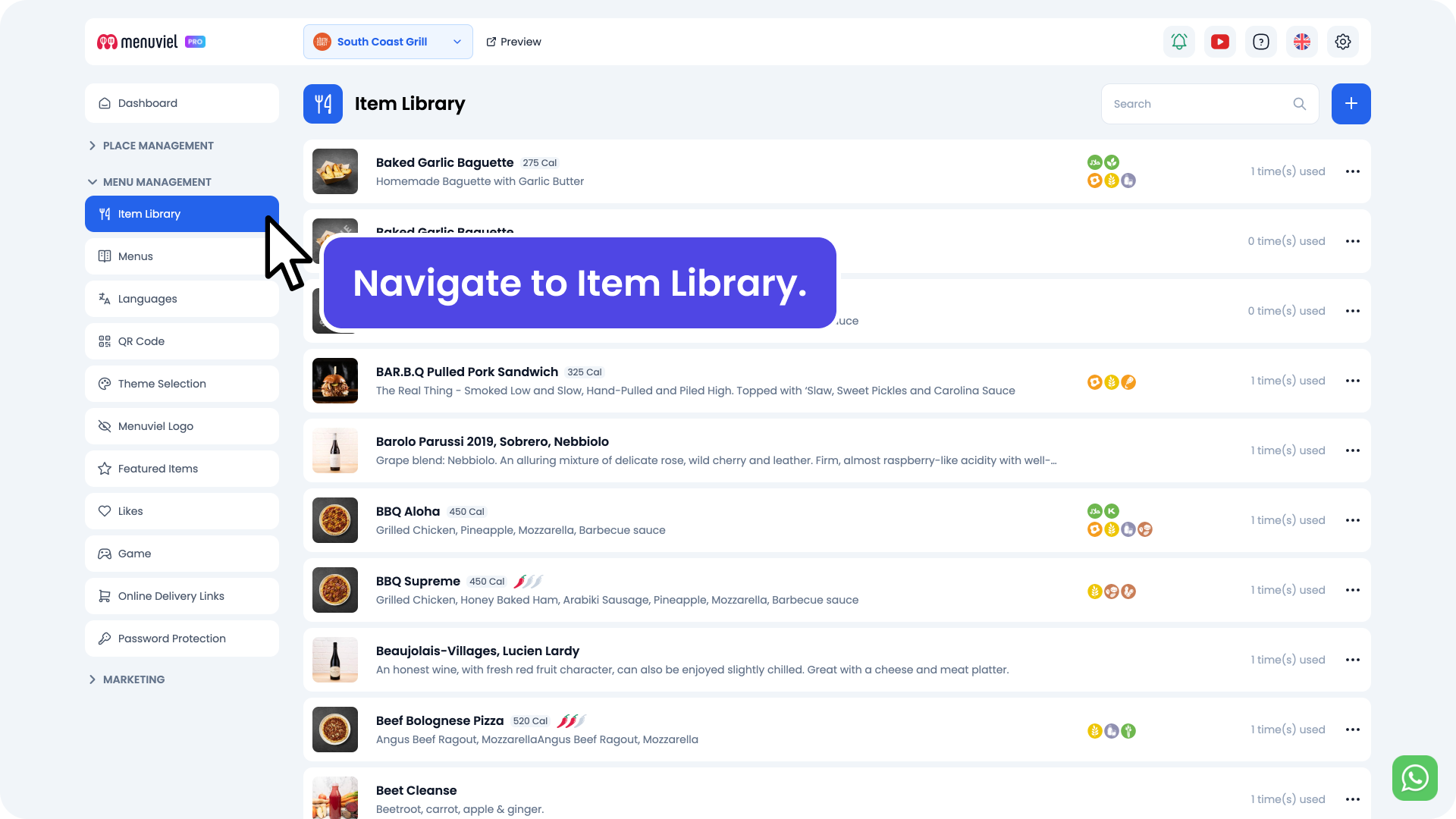
#### Navigate to **Item Library** from your left menu
{% endstep %}
{% step %}
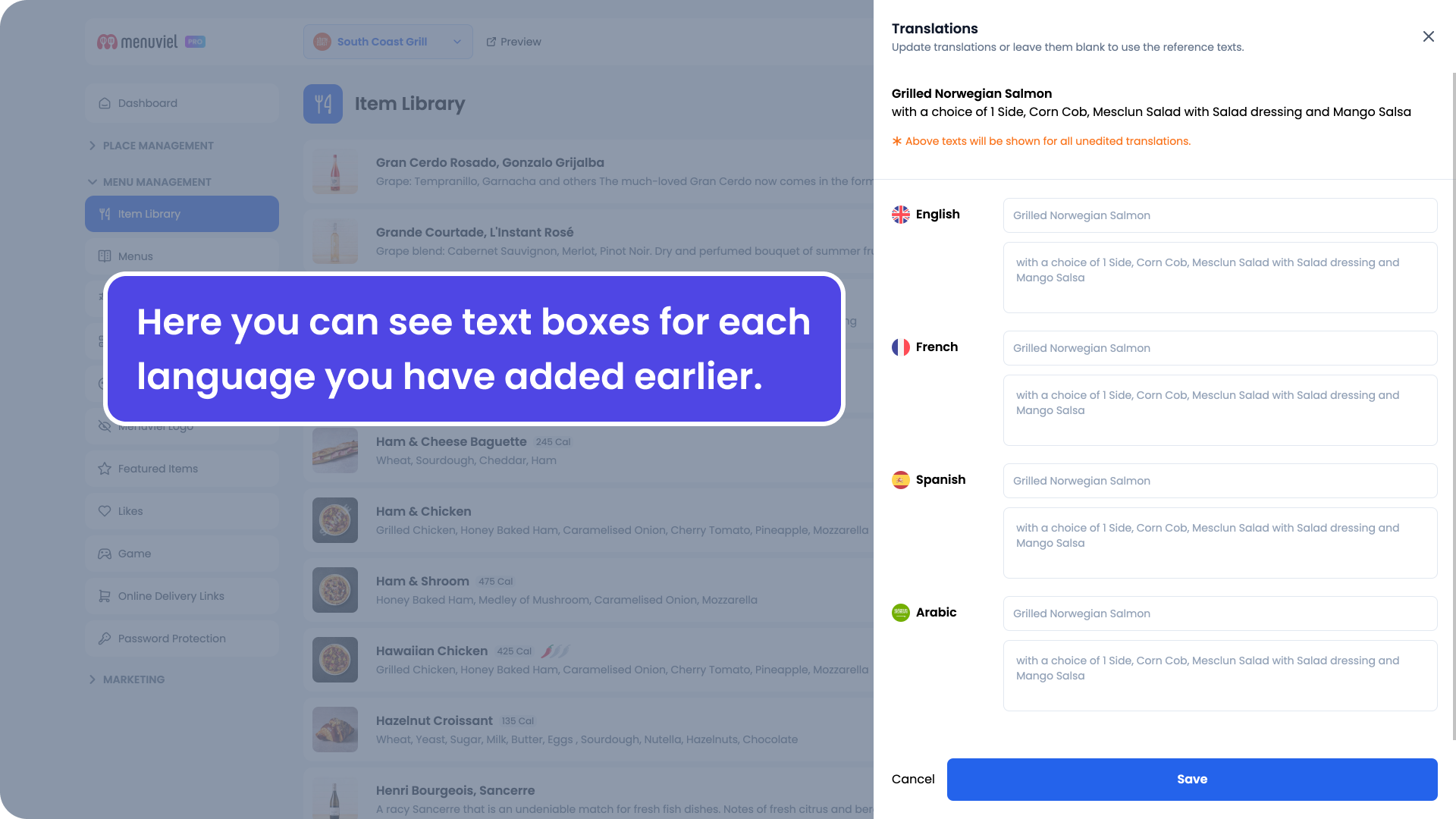
#### Click the **(...)** button located at the right side of the related menu item and select **Translations**
{% endstep %}
{% step %}
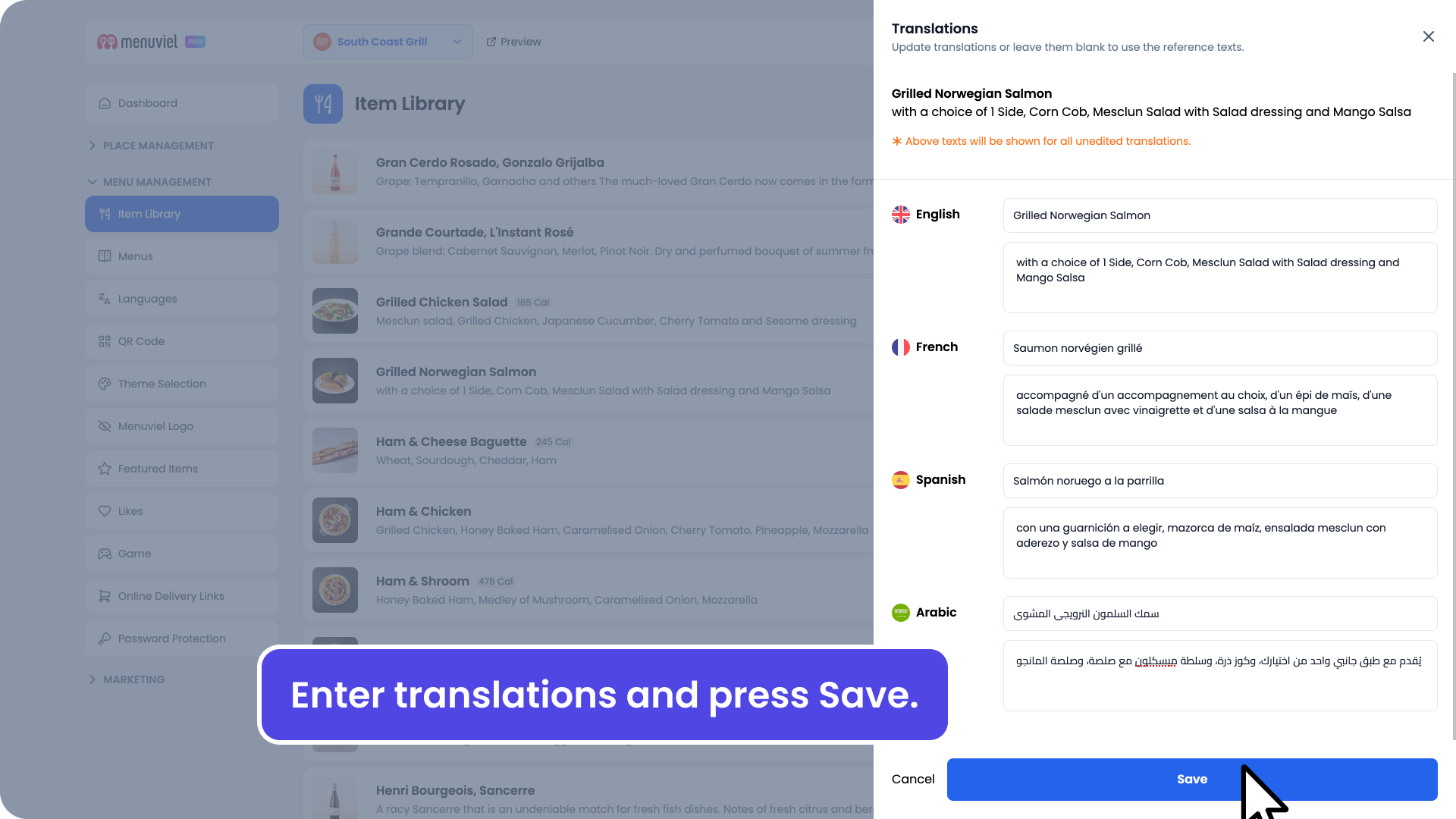
#### Enter translations for each language and press **Save**
{% endstep %}
{% endstepper %}
Now, when your guests switch languages, they can see the translated name and description of the menu item.
Click [here](https://menuviel.gitbook.io/menuviel-help-center/language-management/how-to-add-and-manage-languages) to see how you can add new languages.